I still remember the first time I heard a mashup that blended a hip-hop beat with a classic rock vocal line — it stopped me mid-scroll. That’s the magic of a good song mashup creator: it takes two songs that were never meant to meet and turns them into something that feels weirdly inevitable, like they were always supposed to go together.
If you’ve ever wondered how creators pull this off without a music degree or a studio full of gear, you’re in the right place. This guide walks through what these tools actually are, how they work under the hood, where they shine (and where they don’t), and the little details most beginners overlook. By the end, you should have a much clearer idea of which tool fits your style — and how to actually make a mashup that doesn’t sound like a mess.
What Is a Song Mashup Creator, Really?
At its core, a song mashup creator is just software — web-based, mobile, or desktop — that lets you merge two or more songs into a single track. It handles the heavy lifting: matching tempos, syncing beats, and blending vocals with instrumentals so the final result sounds intentional rather than accidental.
What’s changed in the last few years is accessibility. A decade ago, this kind of blending was mostly the territory of DJs and producers who understood key signatures and BPM by ear. Now? Most mashup makers do that analysis automatically. You drag in your files, the software figures out the technical stuff, and you’re left to focus on the creative part — which honestly is the more fun half anyway.
How Does a Song Mashup Creator Actually Work?
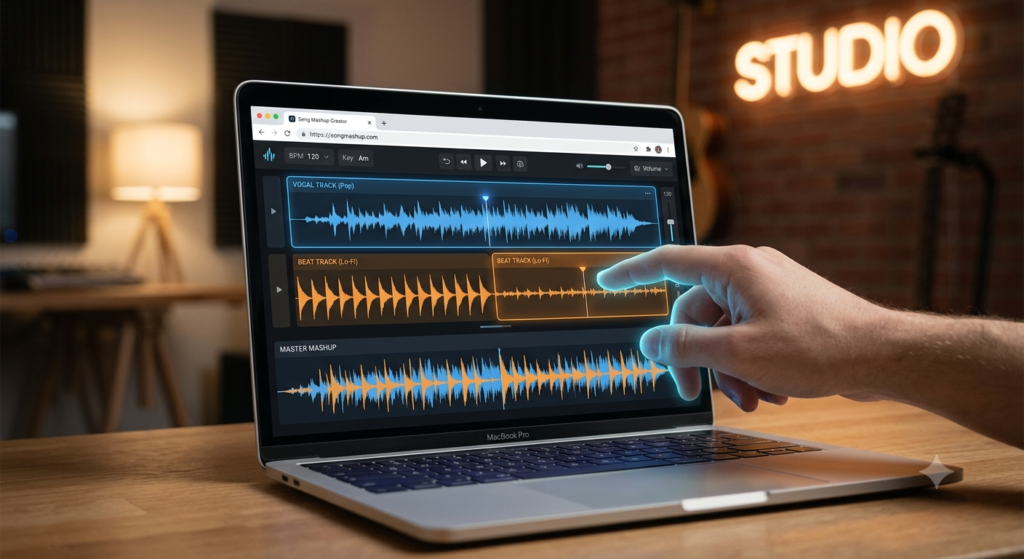
Strip away the marketing language and a song mashup creator usually breaks the process down into five steps:
- Upload your tracks. Pick the two (or more) songs you want to combine — vocals from one, instrumental or beat from another, or a full blend of both.
- Automatic beat and tempo analysis. The software scans for BPM and key signature so it knows how the tracks fit together mathematically.
- Sync and align. This is where the tool stretches or nudges the audio so the beats lock in step, instead of drifting apart.
- Mix and edit. Now you get hands-on — adjusting volumes, trimming sections, layering vocals over a new beat, adding transitions.
- Export and share. Once it sounds right, download it or push it straight to Instagram, TikTok, or YouTube.
It sounds simple written out like this, but that automation is doing a lot of quiet work behind the scenes. Without it, step 3 alone could take hours of manual adjustment.
Why Do People Actually Use a Song Mashup Creator?
Honestly, the reasons vary more than you’d think:
- Social content. A 15-second mashup can carry an entire Reel or TikTok — sometimes better than an original track would.
- DJ practice. A lot of DJs use a song mashup creator as a sandbox before trying transitions live.
- Learning by doing. Beginners pick up an intuitive feel for beat matching just by experimenting, without ever opening a textbook.
- Just for fun. Not everything needs a purpose — plenty of people make mashups purely because it’s satisfying to hear two favorite songs collide.
Pros and Cons of Using a Song Mashup Creator
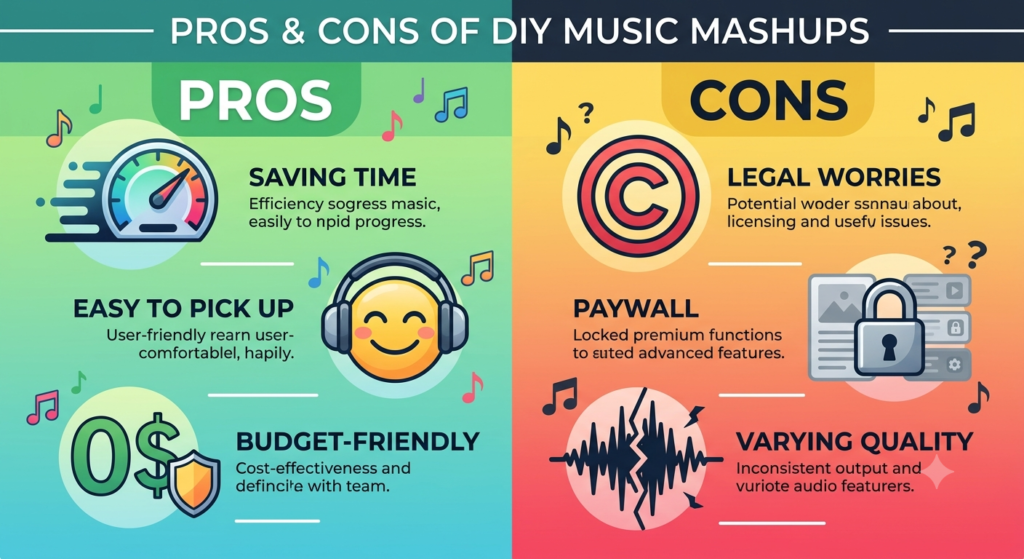
Nothing is perfect, and a song mashup creator is no exception. Here’s the honest breakdown.
Pros
- Genuinely easy to pick up — you don’t need years of training to get a decent result on your first try.
- Saves serious time. What used to take a producer hours of manual beat-matching now happens in minutes.
- Budget-friendly entry point. Plenty of solid free options exist before you’d ever need to pay for anything.
- Room to experiment. You can throw together genres and eras that would never otherwise cross paths — that’s half the appeal.
- Built for shareability. Original-sounding mashups tend to do well on platforms that favor unique audio over recycled sounds.
- No installs, for most web tools. Open a browser tab, and you’re working.
Cons
- Copyright is the elephant in the room. Commercial or monetized use of copyrighted tracks can get flagged or taken down fast.
- Free tiers hold back the good stuff. Deeper mixing controls are almost always behind a paywall somewhere.
- Not every tool sounds great. Some free platforms compress audio hard enough that you’ll notice the quality drop.
- There’s still a ceiling to learn past. Basic mashups come quickly; sounding genuinely polished takes practice.
- You need a connection. Most browser-based tools won’t work well offline, especially with larger files.
Comparison Table: Song Mashup Creator Options — Free Tools vs Mobile Apps vs Professional Software
| Feature | Free Online Tools | Mobile Apps | Professional DAW Software |
|---|---|---|---|
| Ease of Use | Very Easy | Easy | Moderate to Difficult |
| Cost | Free (with limits) | Free/Freemium | Paid (often expensive) |
| Beat Matching | Automatic | Automatic | Manual/Automatic |
| Audio Quality | Medium | Medium to High | High |
| Customization Options | Limited | Moderate | Extensive |
| Best For | Quick social clips | On-the-go remixing | Serious DJs & producers |
| Internet Required | Yes | Sometimes | No |
| Learning Curve | Low | Low | High |
If you’re just messing around for a weekend project, a free song mashup creator will do the job fine. But if you’re building something for a paying gig or a serious portfolio, a proper DAW is still worth the learning curve.
Features Worth Actually Caring About in a Song Mashup Creator
Not every feature on a landing page matters equally. These are the ones that make a real difference once you’re actually working:
- Automatic BPM detection — saves you from manually tapping out tempo like it’s 2005.
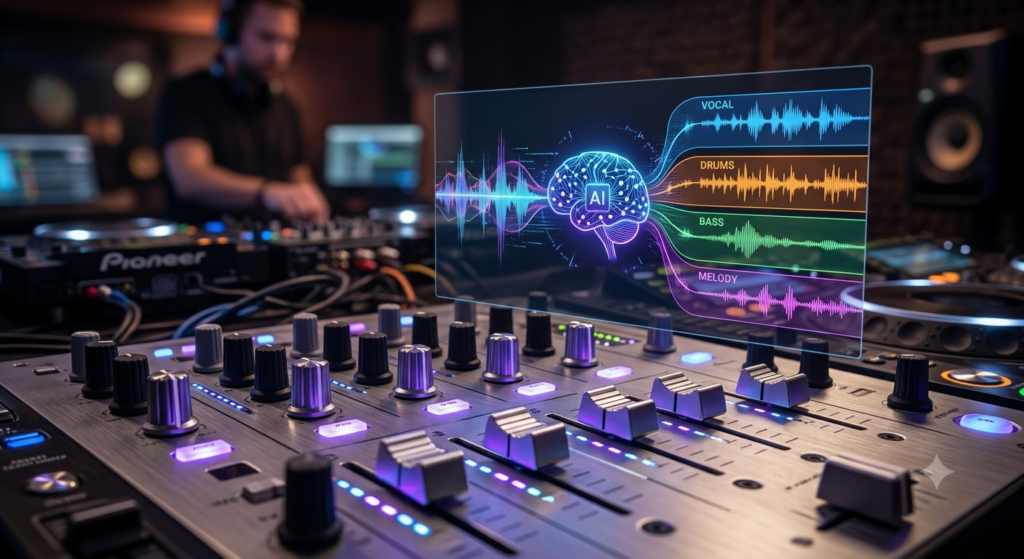
- Multi-track layering so vocals, drums, and instrumentals can be adjusted independently instead of as one blob.
- Crossfades and transitions that smooth over the seams instead of leaving an obvious cut.
- Vocal isolation or stem separation — genuinely one of the more impressive things AI-assisted audio tools do now.
- Flexible export formats like MP3 or WAV, plus direct social sharing if you’re posting straight away.
- Cloud saving, so your half-finished project doesn’t vanish if your laptop dies mid-session.
A Few Tips That Actually Help
- Match musical keys when you can. Two songs in compatible keys blend far more naturally than ones fighting each other harmonically.
- Keep BPMs close. A big tempo gap forces the software to stretch audio noticeably, and it usually sounds a little “off.”
- Let vocals and instrumentals contrast, not compete. A strong vocal line over an unexpected beat is usually more interesting than two loud elements colliding.
- Don’t skip the fades. Abrupt cuts are the fastest way to make a mashup sound amateur.
- Test it on a phone speaker, not just headphones. Most listeners will hear it that way first — and things sound different on tinny speakers.
Is It Actually Legal to Use a Song Mashup Creator?
This question comes up constantly, and fairly so. Mixing copyrighted songs into a new track sits in a legal gray zone, especially once money or public monetization enters the picture. Platforms like YouTube and TikTok run their own content ID systems, and they will flag or mute audio that matches existing copyrighted material — sometimes even for non-commercial posts.
If it’s just for yourself, the risk is generally low. But if you’re publishing publicly or trying to monetize:
- Lean on royalty-free or properly licensed tracks where possible.
- Read the platform’s specific policy before uploading anything, since rules differ.
- If in doubt, reaching out to the rights holder directly isn’t a bad idea — awkward, maybe, but safer.
Frequently Asked Questions
What’s the best free song mashup creator? There isn’t one single “best” — it depends on what you need. Several free online and mobile tools offer solid beat matching for casual or beginner use, so it’s worth trying two or three before committing.
Does a song mashup creator work without an internet connection? Most browser-based ones don’t, since they need to upload and process your files online. If offline use matters to you, a mobile app or desktop DAW is a better fit.
Do I need any music production background to make a mashup? Not really. Most modern tools are built specifically so beginners can get a usable result without knowing what a compressor or EQ curve even is.
Do I need to install software, or can I just use my browser? Plenty of good options run entirely in-browser now. Installing something is really only necessary if you want more advanced, professional-grade control.
Can I post mashups on social media without getting in trouble? It depends on the platform and how the content is used. Personal, non-monetized posts tend to carry lower risk, but public or monetized content can still trigger copyright claims.
What formats can I export my mashup in? Most tools export to MP3 or WAV at minimum, and many let you share directly to social platforms without a separate download step.
How long does making a mashup actually take? A rough version can come together in a few minutes with automated tools. A genuinely polished one — where the transitions feel invisible — usually takes longer, simply because that’s where the real editing happens.
Final Thoughts
A song mashup creator won’t turn anyone into a professional producer overnight, but it lowers the barrier enough that almost anyone can experiment with blending music in a way that used to require real technical skill. Whether you’re grabbing a free web tool for a quick TikTok clip, using a mobile app between commutes, or eventually graduating to a full DAW for serious work, there’s a reasonable starting point for wherever you’re at.
The real skill, honestly, isn’t in the software — it’s in the ear. Knowing which two songs should meet, and having the patience to smooth out the transition until it feels natural, is what separates a forgettable song mashup creator from one people actually replay. The tools just get you there faster.
