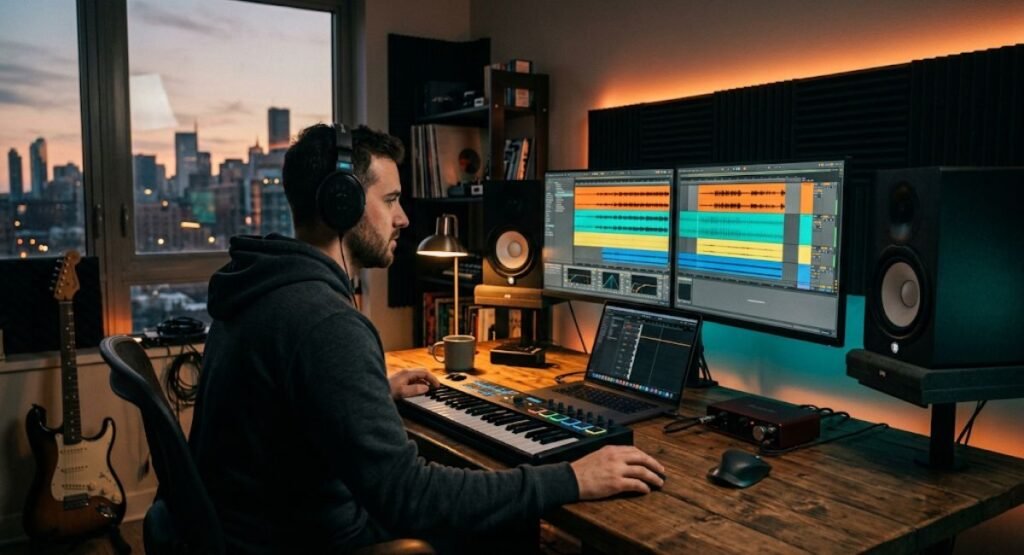
Music has the power to transform any project — whether it’s a short film, a YouTube video, a video game, or a personal passion project. If you’ve ever wondered how to create your own soundtrack from scratch, you’re not alone. Thousands of creators, filmmakers, and hobbyist musicians search for this every day, hoping to add a professional touch to their work without hiring an expensive composer. In this guide, we’ll walk you through everything you need to know to create your own soundtrack, from choosing the right software to mastering the final mix.
Whether you’re a complete beginner or someone with basic music production experience, this article will help you understand the entire process of soundtrack creation, music composition, and audio production in a simple, easy-to-follow way.
What Does It Mean to Create Your Own Soundtrack?
Before diving into the technical steps, it’s important to understand what a soundtrack actually is. A soundtrack is a collection of background music, sound effects, and audio elements that accompany a visual or narrative project. When you create your own soundtrack, you’re essentially composing original music that matches the mood, pacing, and emotional tone of your content.
Unlike using royalty-free music libraries, learning how to create your own soundtrack gives you complete creative control. You decide the instrumentation, tempo, key, and emotional arc of every scene. This is why so many independent filmmakers, game developers, and content creators are turning to DIY music composition instead of licensing existing tracks.
Why Learn How to Create Your Own Soundtrack?
There are several strong reasons why creating your own soundtrack is worth the effort:
- Originality: Your soundtrack becomes unique to your brand or project, unlike stock music that anyone can use.
- Cost savings: Hiring a professional composer or licensing music can be expensive, especially for long-term projects.
- Creative freedom: You have full control over every musical element, from mood to instrumentation.
- Copyright safety: When you create your own soundtrack, you avoid copyright strikes on platforms like YouTube.
- Skill development: Learning music production and composition is a valuable creative skill that opens doors to other opportunities.
These benefits make it clear why so many people are searching for practical ways to create their own soundtrack rather than relying on third-party music sources.
Tools You Need to Create Your Own Soundtrack
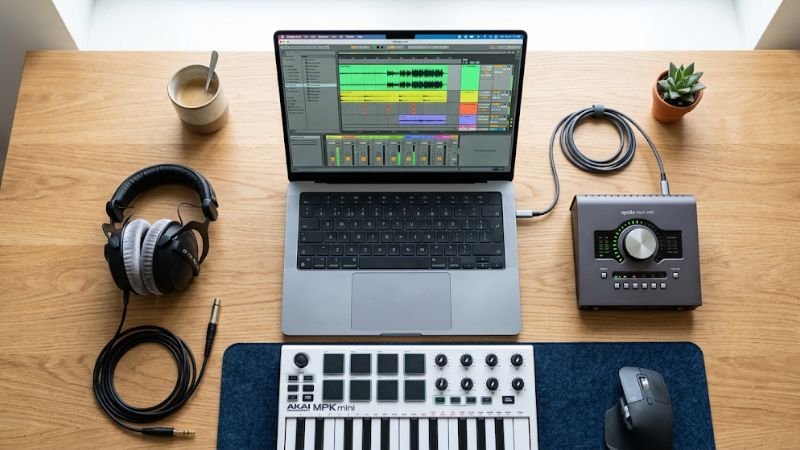
To successfully create your own soundtrack, you’ll need the right combination of hardware and software. Here’s what most beginners and professionals use:
- A Digital Audio Workstation (DAW) – This is the software where you compose, record, and edit your music.
- MIDI Keyboard – Useful for inputting melodies and chords, though not mandatory for beginners.
- Headphones or Studio Monitors – Essential for accurate sound mixing.
- Virtual Instruments and Sample Libraries – These provide realistic sounds for strings, brass, percussion, and synths.
- Audio Interface – Helpful if you plan to record live instruments or vocals.
Having these basic tools ready will make the entire soundtrack creation process much smoother.
Popular Genres and Styles for Custom Soundtracks
Before you begin composing, it helps to understand the different styles of background music and film scoring commonly used across media. Each genre carries its own emotional signature, and choosing the right one is a key part of learning how to create your own soundtrack that truly fits the project.
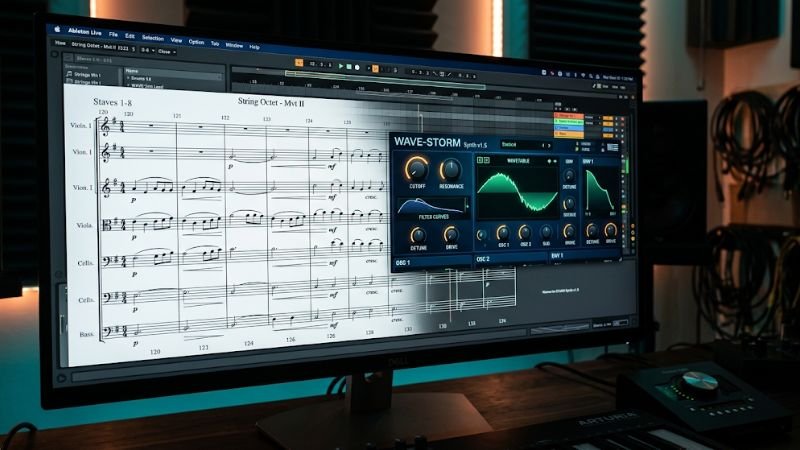
- Orchestral scoring: Common in films and cinematic trailers, relying on strings, brass, and percussion for a grand, emotional feel.
- Ambient soundscapes: Ideal for meditative content, documentaries, or slow-paced storytelling where subtlety matters more than melody.
- Electronic and synth-based music: Frequently used in video games, sci-fi content, and modern digital media for an energetic, futuristic tone.
- Acoustic and folk instrumentation: Works well for heartfelt, personal, or nostalgic scenes using guitar, piano, or strings.
- Hybrid scoring: Combines orchestral elements with electronic textures, a popular approach in modern trailers and action sequences.
Understanding these categories of background music and instrumental composition will help you make smarter creative decisions as you build your own soundtrack from the ground up.
Step-by-Step Process to Create Your Own Soundtrack
Step 1: Understand the Mood and Theme Before writing a single note, study your project. Is it a suspenseful thriller, a heartwarming drama, or an action-packed game level? Understanding the tone helps you choose the right tempo, key signature, and instrumentation when you create your own soundtrack.
Step 2: Choose Your DAW Software Select a Digital Audio Workstation that fits your skill level and budget. Popular choices include GarageBand, FL Studio, Ableton Live, and Logic Pro. Each has different strengths depending on whether you’re composing orchestral music, electronic beats, or ambient soundscapes.
Step 3: Sketch a Basic Melody Start with a simple melodic idea using a piano roll or MIDI keyboard. Don’t worry about perfection at this stage — the goal is to capture the emotional essence of the scene.
Step 4: Build Chord Progressions Add harmony beneath your melody using chord progressions. Simple progressions like I-V-vi-IV work well for emotional or uplifting scenes, while minor key progressions suit darker, tense moments.
Step 5: Layer Instruments Once your foundation is set, layer additional instruments such as strings, percussion, piano, or synths. This is where your soundtrack starts to gain depth and texture.
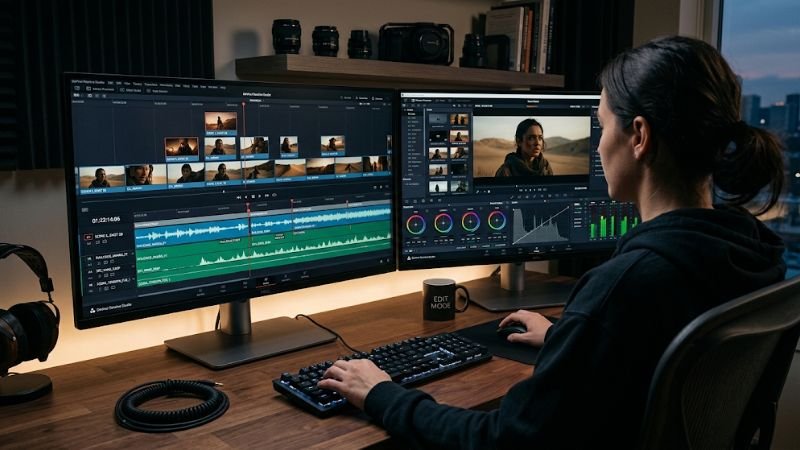
Step 6: Sync Music to Visuals If you’re creating a soundtrack for a video or film, import your video file into the DAW timeline and align musical cues with key moments, transitions, and emotional beats.
Step 7: Mix and Balance the Track Adjust volume levels, panning, and EQ so that every instrument sits well in the mix. This step is crucial to making your soundtrack sound polished and professional.
Step 8: Master the Final Audio Mastering ensures your soundtrack has consistent loudness and clarity across all playback devices. Use mastering plugins or online mastering tools if you’re not experienced with manual mastering.
Step 9: Export and Implement Finally, export your soundtrack in the required format (WAV or MP3) and integrate it into your project, whether that’s a video, game engine, or podcast.
By following these steps carefully, anyone can learn how to create your own soundtrack, even without formal music education.
Best Software Comparison for Creating Your Own Soundtrack
Choosing the right software plays a huge role in how easily you can create your own soundtrack. Below is a comparison table of the most popular options:
| Software | Best For | Price | Skill Level | Key Feature |
|---|---|---|---|---|
| GarageBand | Beginners, Mac users | Free | Beginner | Simple interface, built-in loops |
| FL Studio | Electronic music, beats | $99–$499 | Beginner–Advanced | Powerful piano roll, plugins |
| Ableton Live | Live performance, sound design | $99–$749 | Intermediate–Advanced | Session view, flexible workflow |
| Logic Pro | Film scoring, professional production | $199 (one-time) | Intermediate–Advanced | Orchestral library, advanced mixing |
| Cakewalk by BandLab | Free full-featured production | Free | Beginner–Intermediate | Unlimited tracks, no cost |
This comparison helps you decide which platform best suits your goals when you create your own soundtrack, whether you’re working on films, games, or personal music projects.
Tips to Make Your Soundtrack Stand Out
- Use dynamic contrast – Alternate between soft and loud sections to build emotional tension.
- Leverage silence – Sometimes the absence of music has more impact than a full orchestral swell.
- Study existing soundtracks – Analyze how professional composers structure their music to match visual storytelling.
- Keep it consistent – Maintain a recurring musical theme or motif throughout your project for brand recognition.
- Get feedback – Share your soundtrack with others before finalizing it to catch anything you might have missed.
- Reference professional scores – Listening closely to award-winning film and game soundtracks can reveal arrangement techniques you can adapt into your own work.
- Automate volume and effects – Use automation curves in your DAW to create smooth fades, swells, and transitions that feel intentional rather than abrupt.
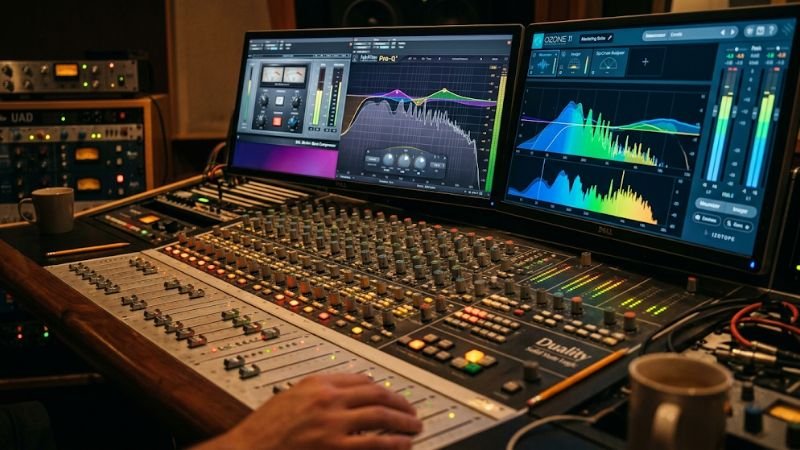
These techniques will help elevate the quality of your soundtrack far beyond a basic beginner composition, and they apply whether you’re working on a short film, a mobile game, or a personal audio project.
Common Mistakes to Avoid When You Create Your Own Soundtrack
Many beginners make avoidable mistakes when learning how to create your own soundtrack. Here are a few to watch out for:
- Overcomplicating the arrangement too early in the process.
- Ignoring the importance of mixing and mastering.
- Using too many instruments, which creates a cluttered sound.
- Not syncing music properly with visual cues.
- Skipping the planning phase and jumping straight into production.
Avoiding these pitfalls will save you time and result in a much more professional final product.
LSI Keywords Related to Soundtrack Creation
Search engines rely on related terms and semantic context to understand what a page is really about. Below are some important LSI (Latent Semantic Indexing) keywords connected to this topic, along with how each one fits into the process:
| LSI Keyword | Relevance to Topic |
|---|---|
| Music composition software | Refers to the DAWs and tools used to write and produce original music |
| Film scoring | The practice of composing music specifically timed to visual storytelling |
| Background music production | Creating instrumental tracks meant to support, not overpower, the main content |
| Royalty-free music alternative | A DIY-composed track that avoids licensing fees and copyright issues |
| Audio mixing and mastering | The technical process of balancing and polishing a finished music track |
| Original score composition | Writing music from scratch rather than using pre-made templates or loops |
| Digital audio workstation (DAW) | The core software environment used to record, edit, and arrange music |
Including these related terms naturally throughout your content, alongside your main phrase, strengthens topical relevance and helps search engines better understand the full context of your article.
FAQs About Creating Your Own Soundtrack
1. Do I need musical training to create my own soundtrack? No, while musical training helps, many successful soundtrack creators are self-taught. Modern DAWs offer tools like piano rolls and loop libraries that make composition accessible to beginners.
2. What is the best free software to create your own soundtrack? GarageBand (for Mac users) and Cakewalk by BandLab (for Windows) are excellent free options for beginners who want to create their own soundtrack without spending money.
3. How long does it take to create a soundtrack? This depends on the complexity of the project. A simple background track might take a few hours, while a full film score could take weeks of composing, recording, and mixing.
4. Can I create a soundtrack using only a smartphone? Yes, several mobile apps like GarageBand for iOS and BandLab allow you to create your own soundtrack directly from your phone, though a computer offers more flexibility.
5. Is it legal to use my own soundtrack commercially? Yes, as long as you compose it yourself or have proper licensing for any samples used, your original soundtrack is fully legal for commercial use.
Conclusion
Learning how to create your own soundtrack is a rewarding creative journey that combines technical skill with artistic expression. From selecting the right DAW software to mastering your final mix, every step plays an important role in producing music that enhances your project’s emotional impact. Whether you’re scoring a short film, a video game, or a personal creative project, the ability to create your own soundtrack gives you unmatched creative freedom and originality.
Start small, experiment with different tools, and don’t be afraid to make mistakes along the way. With consistent practice, you’ll soon be able to create your own soundtrack that sounds polished, professional, and uniquely yours.