If you’ve spent any time researching AI Course Creator Tools lately, you already know the pitch: every platform promises to build a full course “in seconds.”
Some of that is true. A lot of it is marketing gloss. This AI Course Creator Tools Comparison 2026 cuts through that noise.
It looks at what actually matters when picking a tool for your team — features, pricing, integrations, and day-to-day usability.
Whether you’re an L&D manager building onboarding content, a training lead handling compliance modules, or a solo course creator trying to move faster, this guide saves you the trial-and-error most teams go through before landing on the right AI Course Creator Tool.
Why This AI Course Creator Tools Comparison 2026 Matters Right Now
Training teams are under more pressure than ever to produce content quickly without sacrificing quality.
What used to take days per module — scripting, storyboarding, voiceover recording, video editing — can now be done in a fraction of the time with AI-driven authoring tools.
But speed isn’t the only thing worth comparing. Picking a platform without a proper side-by-side look often leads to two expensive mistakes.
First, paying for enterprise features your team never touches. Second, discovering too late that the affordable tool doesn’t support SCORM export, LMS integration, or multilingual delivery.
That’s the real point of an honest comparison — it removes the guesswork before you commit budget and time.
AI Course Creator Tools Comparison Table 2026
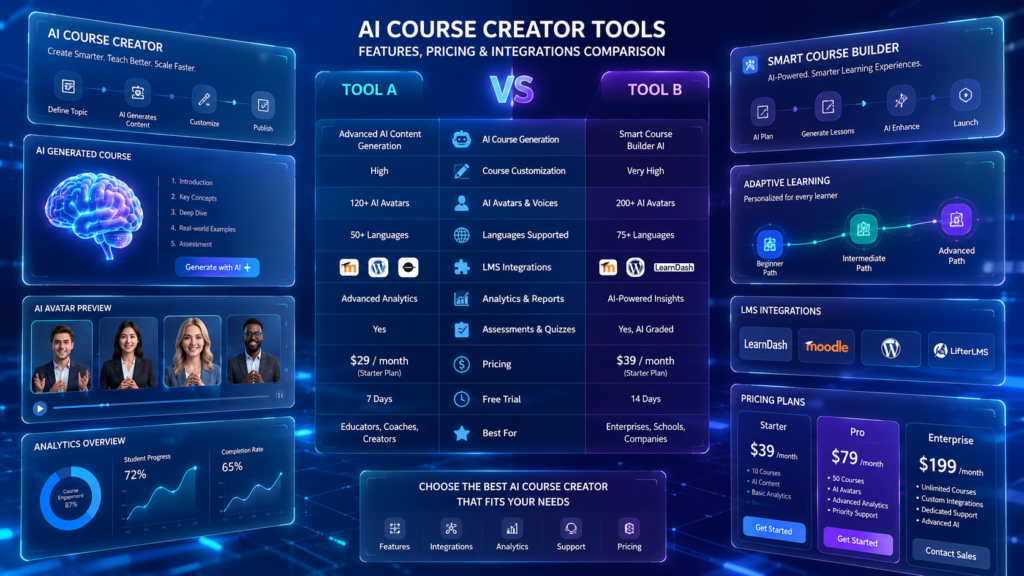
Here’s a snapshot view before we go deeper into each category — the core of any useful AI Course Creator Tools Comparison 2026.
| Category | Best For | Typical Pricing | Key Strength | Common Limitation |
|---|---|---|---|---|
| Adaptive Learning Platforms | Corporate onboarding, compliance training | Free tier – $50/user/mo | Personalized learning paths | Less flexible for creative/video content |
| Content & Video Course Builders | Explainer videos, scenario-based learning | $20–$100/user/mo | AI avatars, voice narration, visuals | Usually needs a separate LMS |
| AI Coaching & Learning Assistants | Post-course support, soft-skills training | Often bundled add-on | Real-time learner Q&A | Not a full course-authoring solution |
| Analytics & Predictive Insight Tools | Tracking drop-off, skill gaps | Included in mid/high tiers | HRIS/LMS integrated reporting | Weaker on content creation itself |
| Multimodal/Immersive Tools | Safety training, equipment walkthroughs | $30–$150/user/mo | 360° scenes, interactive hotspots | Niche use case, smaller ecosystem |
| Compliance-Grade LMS Platforms | Healthcare, finance, manufacturing | $500–$1,000+/user/yr | Audit trails, version control, 21 CFR Part 11 | Higher cost, steeper setup |
Treat this table as a starting filter, not a final verdict. The right column for you depends on your dominant use case.
Key Features to Check Before Choosing an AI Course Creator Tool
Every proper comparison should judge tools against the same core checklist. That’s exactly what this AI Course Creator Tools Comparison 2026 checklist highlights first.
That means AI-powered authoring, adaptive learning paths, automated quiz generation, narration quality, and analytics dashboards.
Branding controls, multi-language support, and SCORM/xAPI export are close to non-negotiable for most corporate L&D teams heading into 2026.
Workflow capture is worth calling out on its own. Tools that record screen actions and turn them into structured lessons save instructional designers real time.
This is one of the more underrated capabilities on the market right now.
Adaptive Learning Platforms
In almost every AI Course Creator Tools Comparison 2026, this category comes up first. These platforms personalize training paths based on how learners actually behave and perform, not a one-size-fits-all sequence.
Most let you generate a full course from a simple prompt. You then go back and edit modules, quizzes, and translations by hand.
They work particularly well for corporate onboarding, compliance training, and frontline employee education. They kill the blank-page problem that slows most instructional design down.
Pros
- Personalizes the learning path for each individual learner
- Removes the blank-page problem with prompt-based course generation
- Strong fit for onboarding and compliance-heavy environments
Cons
- Less flexible when you need highly creative or video-heavy content
- Personalization engines can need real usage data before they perform well
- May feel restrictive for teams wanting full manual control
Content Creation and Video-Based Course Builders
This category is less about full LMS functionality and more about presentations, training videos, and visual storytelling.
AI video generators, text-to-speech narration, and AI image tools let subject matter experts with zero design background produce polished training assets.
These tools shine for explainer videos and scenario-based modules. But they’re usually paired with a separate LMS for actual delivery and tracking.
That pairing is something to budget for upfront, not discover halfway through rollout.
Pros
- No design skills needed to produce polished video content
- Great for explainer videos and scenario-based training
- Speeds up production of visual and narrated content
Cons
- Usually requires a separate LMS for delivery and tracking
- Avatar and narration quality varies a lot between vendors
- Can add extra cost once paired with an LMS
Coaching, Feedback, and AI Learning Assistants
A smaller but growing category: platforms that add an AI coaching layer after the course is published.
These assistants answer learner questions, break down difficult concepts, and offer real-world examples on request.
It matters most for onboarding and soft-skills training, where people need quick clarification rather than a full re-watch of a module.
Pros
- Gives learners real-time answers without re-watching a full module
- Useful for reinforcing soft-skills and onboarding content
- Reduces repetitive support questions for trainers
Cons
- Rarely works as a standalone course-authoring solution
- Often sold as an add-on, adding to overall cost
- Quality of answers depends heavily on how well it’s trained on your content
Analytics, Predictive Insights, and Reporting
Strong analytics are what separate a basic course builder from an actual L&D platform.
Predictive tools flag drop-off points, skill gaps, and completion trends. Teams can fix training instead of just publishing it and hoping.
Reporting dashboards that plug into your HRIS or LMS are increasingly treated as essential rather than a nice-to-have.
Pros
- Flags drop-off points and skill gaps before they become bigger problems
- Integrates with HRIS/LMS for centralized reporting
- Helps justify training ROI to leadership with real data
Cons
- Weaker on actual content creation
- Predictive accuracy depends on data volume and quality
- Can be overkill for small teams with simple training needs
Pricing: What to Expect from AI Course Creator Tools in 2026
Pricing swings widely depending on how automated a platform is and who it’s built for. This AI Course Creator Tools Comparison 2026 pricing breakdown gives you a realistic starting point before you talk to sales.
Entry-level plans often sit free or under $25 per user per month. Enterprise authoring suites can climb past $1,000 per user annually.
Where you land depends on volume, compliance requirements, and how much manual polishing your team is willing to do.
Most of the real ROI comes from time saved in production, not the subscription line item itself. The cheapest option on paper isn’t automatically the best deal.
Integrations Matter More Than Most Teams Realize
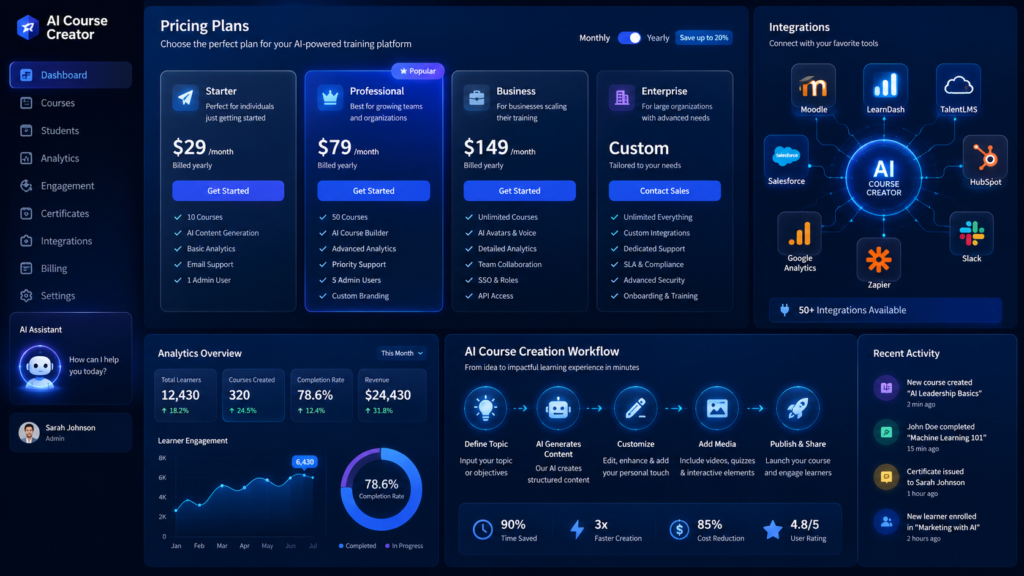
A course builder is only as useful as the systems it plugs into. As this AI Course Creator Tools Comparison 2026 makes clear, integrations matter just as much as the AI features themselves.
Tools that connect directly to Salesforce, Slack, or your existing LMS tend to see noticeably higher completion rates than export-only workflows.
For regulated industries, integration also means traceability, version control, and audit-ready records.
This is one of the most overlooked factors when teams rush their comparison, even though it often decides whether the training actually gets used.
Multimodal and Immersive Learning Tools
No AI Course Creator Tools Comparison 2026 is complete without this category. Some platforms now go beyond slides and video into 360-degree scenes, interactive hotspots, and scenario-based simulations.
These are gaining real traction for onboarding tours, safety training, and equipment walkthroughs, where context matters more than plain text.
Pros
- Brings real-world context to safety and equipment training
- Drag-and-drop hotspot editors need far less technical skill than VR development
- Strong engagement for hands-on, scenario-based learning
Cons
- Still a niche category compared to video and document-based tools
- Smaller ecosystem means fewer integrations and templates
- Not suited for text-heavy or policy-based training content
Ease of Use and the Learning Curve
Any solid AI Course Creator Tools Comparison 2026 has to weigh ease of use just as heavily as raw features, since it quietly makes or breaks adoption even when a platform has genuinely strong AI capabilities.
Tools built around simple prompts and guided wizards tend to get picked up faster by non-technical subject matter experts.
Traditional authoring suites with a steep learning curve usually need a dedicated instructional designer just to keep things running.
Before you commit, test the actual course-creation flow yourself rather than trusting a polished demo video. A tool that looks effortless in marketing can still feel clunky once your team tries to fix an AI mistake or manage permissions across departments.
Customization, Branding, and Output Quality
Customization is another factor that shows up in nearly every AI Course Creator Tools Comparison 2026, and for good reason. Template-driven output can feel generic fast if a platform doesn’t allow real customization.
Look for brand kits, custom fonts, logo placement, and flexible layouts. Otherwise your training risks looking identical to every other company using the same software.
Output quality also varies a lot between platforms. Some nail narration but produce stiff, robotic avatars; others are strong on document-based generation but weak on video.
Weigh output quality against your actual content type rather than a vague sense of AI sophistication.
Compliance, Security, and Regulated Industry Needs
For healthcare, finance, and manufacturing, compliance features aren’t optional extras — they’re the whole ballgame. This AI Course Creator Tools Comparison 2026 puts compliance front and center for exactly that reason.
Version control, audit trails, role-based access, and standards like 21 CFR Part 11 often decide whether a tool is even viable for procurement.
Pros
- Built-in audit trails and version control simplify inspections
- Role-based access supports strict data and process governance
- Purpose-built for regulated industries, reducing legal risk
Cons
- Higher cost than general-purpose course builders
- Steeper setup and onboarding process
- Slower to add trendy AI features compared to content-first platforms

Final Verdict: Choosing the Right AI Course Creator Tool
There’s no single best tool for every team. That’s the honest takeaway from any real AI Course Creator Tools Comparison 2026.
Fast, capture-based builders win for software workflow training. Avatar and text-to-video platforms win for marketing-style explainer content.
Regulated industries need version control, audit trails, and compliance-ready LMS features built in from day one.
The smartest move is matching the tool to your dominant use case first, then adding a second tool only where there’s a genuine gap. That one decision saves your L&D team more time than chasing whatever AI feature is trending this month.
Frequently Asked Questions
What should I prioritize in an AI Course Creator Tools Comparison 2026? Focus on automation depth, integration options, and pricing relative to your actual course volume, not flashy AI features alone.
Are free AI course builders good enough for business training? Free plans work fine for testing and small teams. Most businesses outgrow them once branding, analytics, and SCORM export become necessary.
Do AI course creators replace instructional designers? No. They automate repetitive production work like scripting and formatting, but human review still improves accuracy, tone, and learner engagement.
Which type of tool is best for compliance and regulated training? Platforms with built-in version control, audit trails, and role-based delivery are the safest bet. Generic content tools usually lack these controls.
Can AI course builders create content in multiple languages? Most leading platforms now offer AI voiceover and translation across dozens of languages, making them suitable for global onboarding and customer education.
How long does it take to build a course with AI tools in 2026? Many platforms generate a full outline, narration, and quizzes within minutes. Final review and edits usually add a few hours depending on complexity.
Is it worth using more than one AI course creation tool? Often, yes. Many teams pair a workflow-capture tool for software training with a separate video or LMS platform for compliance and analytics needs.
