Voice modulation technology has exploded in popularity over the last few years, and the Noli voice changer is one of the tools riding this wave. Whether you’re a gamer who wants to stay anonymous, a content creator looking for a fun character voice, or a streamer trying to add entertainment value to your broadcasts, a reliable voice changer can completely transform your online presence. In this guide, we’ll break down everything you need to know about the Noli voice changer — how it works, its features, pros and cons, and how it stacks up against other popular alternatives.
What Is Noli Voice Changer?
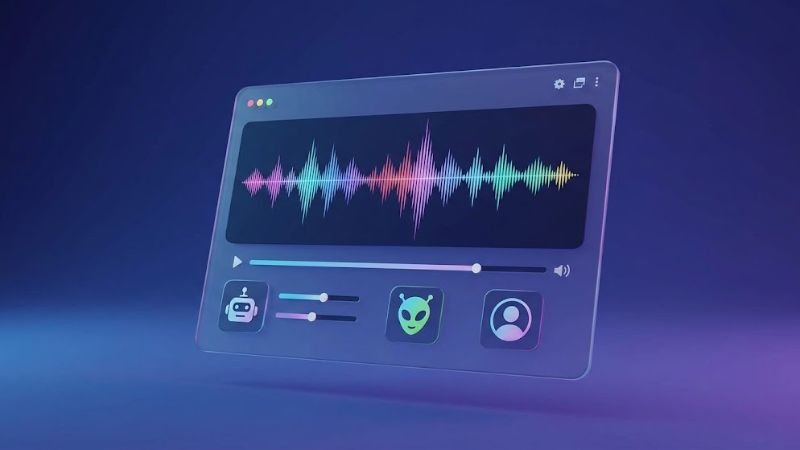
The Noli voice changer is a voice modulation tool designed to alter the pitch, tone, and overall character of a user’s voice, either in real time during calls and streams or through pre-recorded audio files. Like other AI voice changer software, it uses algorithmic processing to manipulate vocal characteristics, allowing users to sound like a different person, a fictional character, a robot, or even a completely different gender.
This kind of software has become especially popular among gamers, Discord users, streamers, and content creators who want privacy, entertainment, or creative flexibility without needing expensive studio equipment. The rise of platforms like Discord, Twitch, and TikTok has fueled demand for accessible voice-changing tools that don’t require technical expertise.
How Does Noli Voice Changer Work?
At its core, a voice changer like Noli works by capturing an audio input (either live from a microphone or from an uploaded file) and running it through a digital signal processing or AI-based voice conversion engine. The software then applies transformations such as:
- Pitch shifting — raising or lowering the frequency of your voice
- Tone and timbre adjustment — altering the “texture” of the voice
- Preset voice models — applying pre-trained voice characters (robotic, cartoonish, monster, celebrity-style, etc.)
- Real-time processing — modifying your voice instantly as you speak, useful for live calls or streaming
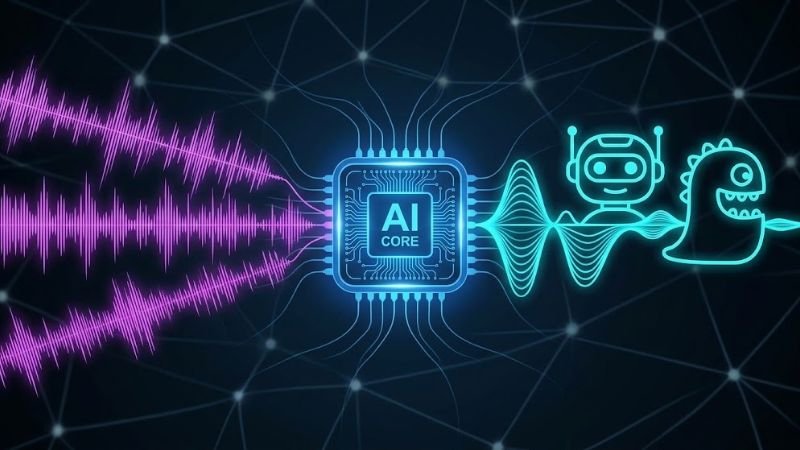
Some voice changer tools rely purely on traditional audio effects (like pitch and formant shifting), while more advanced AI voice changer platforms use machine learning models trained on large voice datasets to produce more natural, human-like transformed voices.
Key Features of Noli Voice Changer
While exact feature sets can vary depending on the platform or app version, most tools branded as a “Noli voice changer” or similar AI voice generator typically offer:
- Multiple voice presets — a library of different voice styles to choose from
- Real-time voice modulation — for live streaming, gaming, and voice calls
- Text-to-speech support — converting typed text into an AI-generated voice
- Cross-platform compatibility — working with apps like Discord, Zoom, OBS, and other communication tools
- Custom voice tuning — adjusting pitch, speed, and emotion manually
- Export options — saving generated audio in formats like MP3 or WAV
- No installation required (for web-based tools) — some voice changer platforms run entirely in-browser
These features make the Noli voice changer appealing for anyone wanting a quick, low-effort way to modify how they sound online.
Why Use a Voice Changer Like Noli?
There are several practical and creative reasons people turn to voice modulation software:
1. Online Gaming and Anonymity
Gamers often use voice changers to protect their identity, especially younger users or streamers who don’t want to reveal their real voice or gender on public voice chat platforms.
2. Content Creation
YouTubers, TikTokers, and podcast creators use voice changers to create unique characters, narrate stories, or add comedic effects to their videos without hiring voice actors.
3. Streaming Entertainment
Twitch and YouTube streamers frequently use real-time voice changers as an entertainment feature, engaging audiences with fun character voices during gameplay.
4. Prank Calls and Fun
Voice changers remain a popular tool for harmless pranks among friends and family, especially apps with comedic voice presets.
5. Accessibility and Confidence
Some users, including those exploring voice identity, use voice modulation tools to experiment with different vocal tones in a low-pressure environment.
Pros and Cons of Noli Voice Changer
Every voice-changing tool comes with strengths and limitations. Here’s a balanced look:
Pros
- Easy to use, even for beginners with no audio editing experience
- Offers a variety of preset voice styles for different use cases
- Real-time functionality makes it useful for live streaming and calls
- Many versions are free or offer a free trial tier
- Works across multiple platforms and communication apps
- No expensive hardware or studio setup required
Cons
- Free versions often come with limited features or shorter audio length
- AI-generated voices can sometimes sound slightly robotic or unnatural
- Real-time processing may introduce latency on lower-end devices
- Advanced customization or commercial usage rights may require a paid plan
- Voice quality can vary depending on microphone input and background noise
- Not all platforms are compatible with every app or operating system
Noli Voice Changer vs Other Popular Voice Changers
To help you decide whether Noli is the right fit, here’s a comparison against other well-known voice changer tools in the market:
| Feature | Noli Voice Changer | Voicemod | CapCut Voice Effects | Clownfish Voice Changer |
|---|---|---|---|---|
| Real-time voice change | Yes | Yes | Limited (video-based) | Yes |
| AI-based voice models | Yes | Yes | Yes | No (basic effects only) |
| Free tier available | Yes | Yes | Yes | Yes |
| Text-to-speech support | Yes | Yes | No | No |
| Best for | Streaming, gaming, content creation | Streaming, Discord, gaming | Video editing, social media | Discord, basic voice calls |
| Ease of use | Beginner-friendly | Beginner-friendly | Beginner-friendly | Moderate |
| Platform compatibility | Web/App-based | Windows/Mac/App-based | Mobile/Desktop | Windows only |
This comparison shows that while each voice changer has its own strengths, the Noli voice changer stands out for combining real-time processing with AI-powered voice presets, making it a versatile choice for both casual and semi-professional use.
How to Use Noli Voice Changer — Step by Step
If you’re new to voice modulation tools, here’s a general walkthrough of how a typical Noli voice changer session works:
- Access the platform — open the Noli voice changer website or app.
- Select your input — choose whether you want to type text or use your microphone for live input.
- Pick a voice preset — browse the available voice models and select one that fits your needs.
- Adjust settings — fine-tune pitch, speed, and tone if the platform allows customization.
- Generate or activate — either generate the audio (for text-to-speech) or activate real-time mode (for live use).
- Export or connect — download the audio file, or route the modified voice into apps like Discord, Zoom, or OBS for live use.
This straightforward process is one of the reasons voice changers like Noli have gained popularity among non-technical users.
Is Noli Voice Changer Safe and Free?
Safety and cost are two of the most common concerns when it comes to voice changer software. Here’s what to generally keep in mind:
- Free tiers are common across most voice changer platforms, though they often limit the number of voices, audio length, or commercial usage rights.
- Privacy — always check what happens to your audio data. Reputable platforms clarify whether recordings are stored, used for training, or deleted after processing.
- Malware risk — only download voice changer software from official app stores or verified websites, since third-party download sites sometimes bundle unwanted software.
- Commercial use — if you plan to use the generated voice in monetized content, check the platform’s licensing terms, as many free tiers restrict commercial rights.
As a general rule, treat any voice changer tool the way you would treat other online software: verify the source, read the privacy policy, and avoid granting unnecessary permissions.
Tips to Get the Best Results with Noli Voice Changer
- Use a good quality microphone to reduce background noise and improve output clarity
- Record in a quiet environment for cleaner voice transformation
- Experiment with different presets before committing to one for streaming or content
- Adjust pitch and speed gradually rather than making extreme changes, which can sound unnatural
- Test the voice changer with your target platform (Discord, OBS, Zoom) before going live
- Keep software updated to benefit from improved voice models and bug fixes
Frequently Asked Questions (FAQs)
1. What is the Noli voice changer used for?
It’s primarily used to modify or disguise a user’s voice for gaming, streaming, content creation, and casual entertainment purposes.
2. Is Noli voice changer free to use?
Most voice changer platforms, including tools similar to Noli, offer a free tier with basic features, while advanced customization or commercial usage may require a premium plan.
3. Can I use Noli voice changer on Discord?
Yes, most real-time voice changer tools are designed to integrate with communication platforms like Discord, allowing your modified voice to be heard during calls.
4. Does Noli voice changer work on mobile devices?
Depending on the specific platform version, many voice changer tools offer mobile compatibility, though features may be more limited compared to desktop versions.
5. Is it safe to use AI voice changer apps?
Generally yes, as long as you download from official sources and review the platform’s privacy policy regarding audio data storage and usage.
6. How natural do AI-generated voices sound?
Voice quality varies by platform, but modern AI voice changer technology has significantly improved, producing much more natural-sounding results compared to older pitch-shifting software.
7. Can I create custom voices with Noli voice changer?
Many voice changer platforms allow some level of pitch, tone, and speed customization, though fully custom voice cloning may require advanced or paid features.
Conclusion
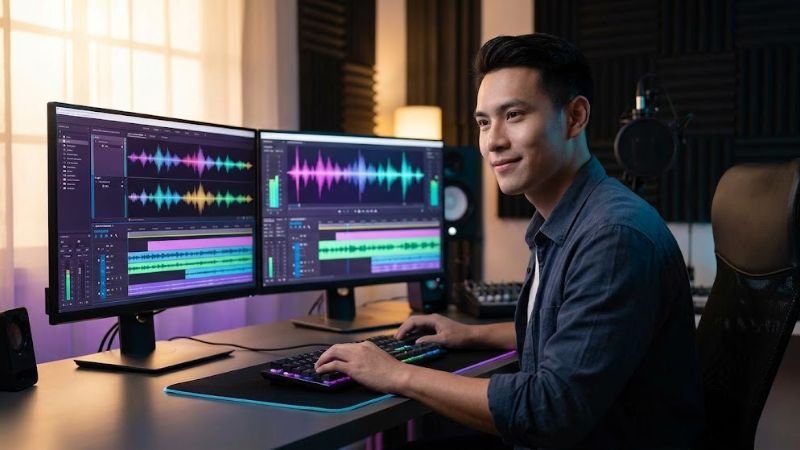
The Noli voice changer represents the growing category of AI-powered voice modulation tools that make it easy for anyone — gamers, streamers, content creators, or casual users — to transform their voice quickly and creatively. With real-time processing, multiple voice presets, and cross-platform compatibility, it offers a practical solution for anyone looking to add variety, privacy, or entertainment value to their online voice communication.
As with any voice changer software, it’s worth comparing features, checking privacy policies, and testing free versions before committing to a paid plan. Whether you’re using it for gaming anonymity, content creation, or simple fun with friends, a tool like Noli voice changer can open up creative possibilities without requiring technical expertise or expensive equipment.